쓰리디아이 / 2017
낙하산 어트랙션
함께 달리는 경험을 만드는 NPC와 고스트
PROJECT IN ACTION
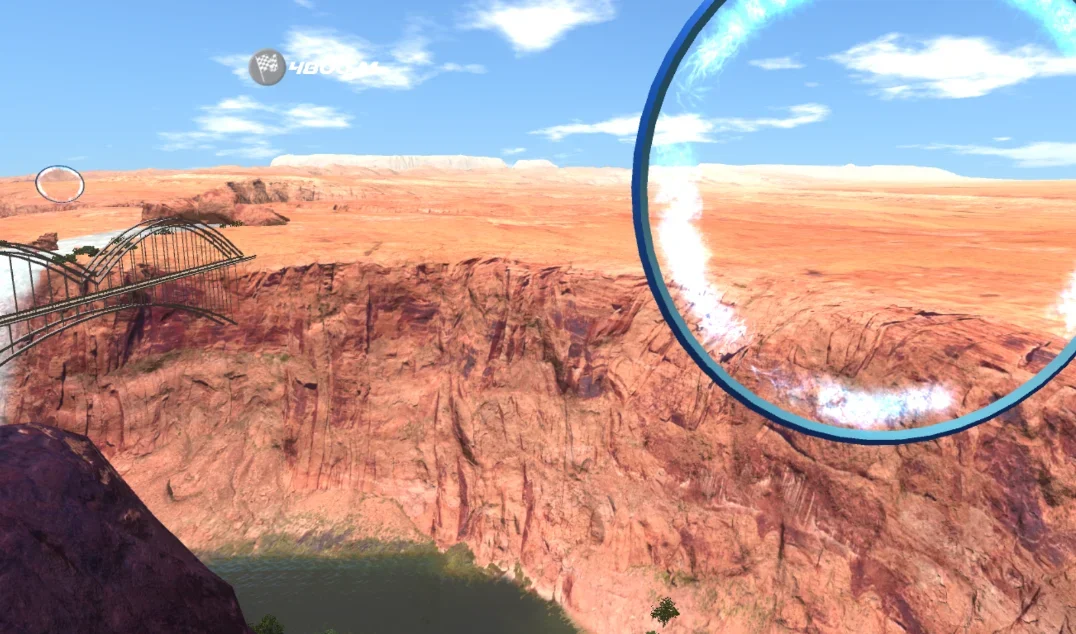
실행 화면과 시연
OVERVIEW
프로젝트와 나의 역할
경주 NPC의 거리 기반 속도 조절과 CSV 기록 기반 고스트 재생, Kinect 자세 인식을 구현했습니다.
- 플레이어와의 경주용 NPC 구현
- 플레이어 데이터 저장을 통한 플레이어 고스트 NPC 구현
- 키넥트를 이용한 신체 트래킹 기능 구현
ENGINEERING NOTES
기능별 구현과 문제 해결
담당 기능의 배경부터 구현 방식과 선택한 범위까지 정리했습니다.
플레이어 주변에 남아 있는 경주 NPC
배경과 과제
조작이 익숙하지 않은 플레이어가 뒤처지면 모든 NPC가 시야 밖으로 사라졌습니다.
내가 구현한 방식
FSM 기반 NPC의 속도를 플레이어와의 거리에 따라 조절하고, 너무 멀어진 NPC는 다시 배치했습니다.
선택의 이유와 범위
엄격한 순위 경쟁보다 다른 NPC와 함께 맵을 완주하는 체험에 맞춘 설계입니다.
2026 / RECONSTRUCTED EXAMPLE
플레이어와의 간격에 따른 NPC 속도
경로 진행도 차이를 사용해 앞선 NPC는 늦추고 뒤처진 NPC는 빠르게 합니다.
- 경로 진행도
- 상대 간격
- 속도 계수
- NPC 이동에 적용
설명용 개념도 · 실제 제품 화면이나 전체 시스템 설계도가 아닙니다.
사용 방법과 적용 범위
동일한 경로의 playerProgress와 npcProgress를 Speed에 전달합니다.
폐곡선 경로의 랩 처리는 호출자가 해야 합니다. 물리 이동·경로 추종은 포함하지 않습니다.
예제 코드 펼치기포트폴리오용 재구성 코드 · 실제 업무 소스 아님
// 2026 portfolio reconstruction. Not original production source.
using System;
using UnityEngine;
namespace PortfolioExamples
{
    public static class AdaptiveNpcPace
    {
        // Signed progress along the same route, not straight-line world distance.
        public static float Speed(float playerProgress, float npcProgress, float baseSpeed, float comfortDistance)
        {
            if (baseSpeed < 0 || comfortDistance <= 0) throw new ArgumentOutOfRangeException();
            float gap = Mathf.Clamp((npcProgress - playerProgress) / comfortDistance, -1f, 1f);
            // Equal progress keeps base speed; only a lead/lag applies a correction.
            float multiplier = gap >= 0 ? Mathf.Lerp(1f, 0.55f, gap) : Mathf.Lerp(1f, 1.35f, -gap);
            return baseSpeed * multiplier;
        }
        public static bool ShouldReposition(float playerProgress, float npcProgress, float maxLead)
            => maxLead > 0 && npcProgress - playerProgress > maxLead;
    }
}
실제 주행 기록으로 움직이는 고스트
배경과 과제
기록대로만 이동하는 고스트도 느린 플레이어를 앞질러 시야에서 사라질 수 있었습니다.
내가 구현한 방식
플레이어의 주행 정보를 CSV로 기록하고 고스트에 재생했습니다. 현재 플레이어 위치와 저장된 궤적을 비교해 가까운 기록 지점으로 고스트를 재배치했습니다.
선택의 이유와 범위
아래 재구성 예제는 시간·위치·회전의 보간 재생과 거리 기반 재배치를 설명합니다. 당시 제품 소스를 복원한 코드는 아닙니다.
RECONSTRUCTED EXAMPLE
2026년 포트폴리오용 재구성 코드
CSV의 시간·위치·회전을 읽어 보간 재생하고, 플레이어와 멀어지면 가까운 기록 지점으로 이동하는 예제입니다.
당시 제품의 원본 소스가 아닌 새로 작성한 예제입니다. Unity 6000.0.23f1 컴파일 및 Editor 검증 56개 통과. 실제 장비 연동과 제품 통합은 검증 범위에 포함하지 않습니다.
코드 펼쳐보기
// Portfolio reconstruction, 2026. Not original production source.
// Based on the parachute-attraction CSV ghost replay description.
using System;
using System.Globalization;
using System.Collections.Generic;
using UnityEngine;

public sealed class GhostReplay : MonoBehaviour
{
    [Serializable] public struct Sample
    {
        public float time;
        public Vector3 position;
        public Quaternion rotation;
    }
    [SerializeField] TextAsset csv; // time,x,y,z,qx,qy,qz,qw; header required
    [SerializeField] Transform player;
    [SerializeField, Min(1)] float catchUpDistance = 40;
    [SerializeField, Min(0)] float speed = 1;
    readonly List<Sample> samples = new List<Sample>();
    float clock;
    int cursor;

    void Start()
    {
        try { Load(csv == null ? null : csv.text); }
        catch (Exception error) { Debug.LogError(error.Message, this); enabled = false; }
    }

    public void Load(string text)
    {
        if (string.IsNullOrWhiteSpace(text)) throw new ArgumentException("CSV is empty.");
        var parsed = new List<Sample>();
        var rows = text.Split('\n');
        for (int i = 1; i < rows.Length; i++)
        {
            if (string.IsNullOrWhiteSpace(rows[i])) continue;
            var cells = rows[i].Trim().Split(',');
            if (cells.Length != 8) throw new FormatException("Expected 8 columns at row " + (i + 1));
            float[] v = new float[8];
            for (int j = 0; j < v.Length; j++)
                if (!float.TryParse(cells[j], NumberStyles.Float, CultureInfo.InvariantCulture, out v[j])
                    || float.IsNaN(v[j]) || float.IsInfinity(v[j]))
                    throw new FormatException("Invalid finite number at row " + (i + 1));
            if (v[0] < 0 || (parsed.Count > 0 && v[0] <= parsed[parsed.Count - 1].time))
                throw new FormatException("Timestamps must increase strictly.");
            var q = new Quaternion(v[4], v[5], v[6], v[7]);
            if (Quaternion.Dot(q, q) < 0.000001f) throw new FormatException("Zero quaternion.");
            parsed.Add(new Sample { time = v[0], position = new Vector3(v[1], v[2], v[3]), rotation = q.normalized });
        }
        if (parsed.Count < 2) throw new FormatException("At least two samples are required.");
        samples.Clear(); samples.AddRange(parsed); cursor = 0; clock = samples[0].time;
        Apply();
    }

    void Update()
    {
        if (samples.Count < 2) return;
        clock = Mathf.Min(clock + Time.deltaTime * Mathf.Max(0, speed), samples[samples.Count - 1].time);
        Apply();
        if (player != null && (transform.position - player.position).sqrMagnitude > catchUpDistance * catchUpDistance)
            SeekNearest(player.position);
    }

    public void SeekNearest(Vector3 position)
    {
        if (samples.Count == 0) return;
        int nearest = 0; float best = float.PositiveInfinity;
        for (int i = 0; i < samples.Count; i++)
        {
            float distance = (samples[i].position - position).sqrMagnitude;
            if (distance < best) { best = distance; nearest = i; }
        }
        clock = samples[nearest].time; cursor = Mathf.Min(nearest, samples.Count - 2); Apply();
    }

    void Apply()
    {
        while (cursor < samples.Count - 2 && samples[cursor + 1].time < clock) cursor++;
        Sample a = samples[cursor], b = samples[cursor + 1];
        float t = Mathf.InverseLerp(a.time, b.time, clock);
        transform.SetPositionAndRotation(Vector3.Lerp(a.position, b.position, t), Quaternion.Slerp(a.rotation, b.rotation, t));
    }
}
체험 목적에 맞춘 Kinect 적용 범위
배경과 과제
카메라 화각 때문에 플레이어의 하체를 안정적으로 추적하지 못하는 구간이 있었습니다.
내가 구현한 방식
해당 체험에서는 하체 추적을 제외하고, 동역학 입력에서도 하체 정보를 사용하지 않는 방향을 택했습니다.
선택의 이유와 범위
전문 훈련 수준의 자세 정확도보다 일반 사용자의 스카이다이빙 체험을 우선한 프로젝트별 선택입니다.
MORE SCREENS
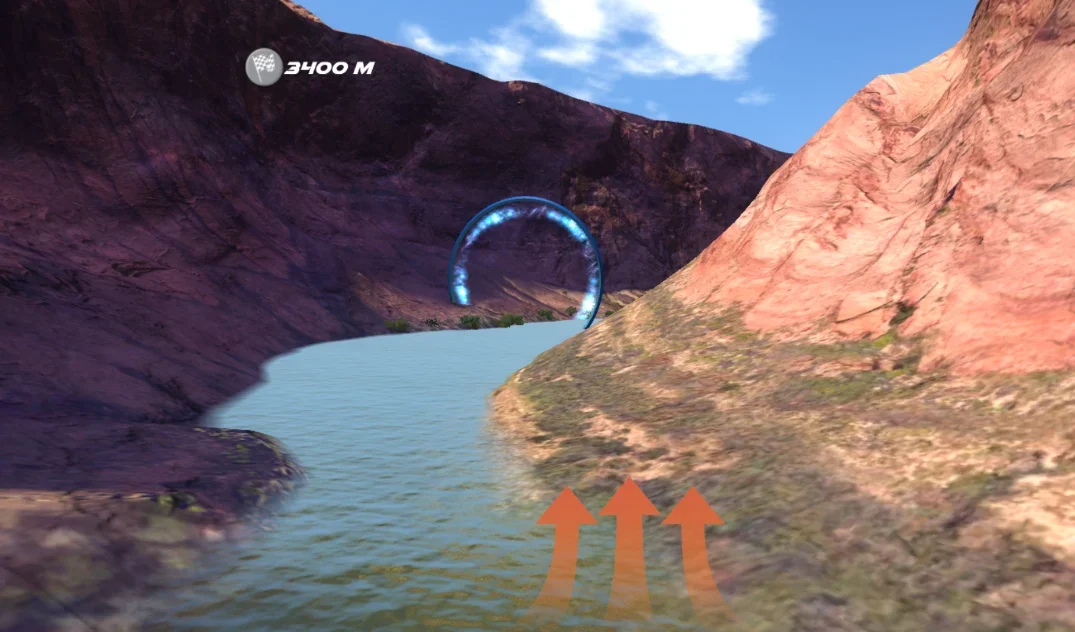
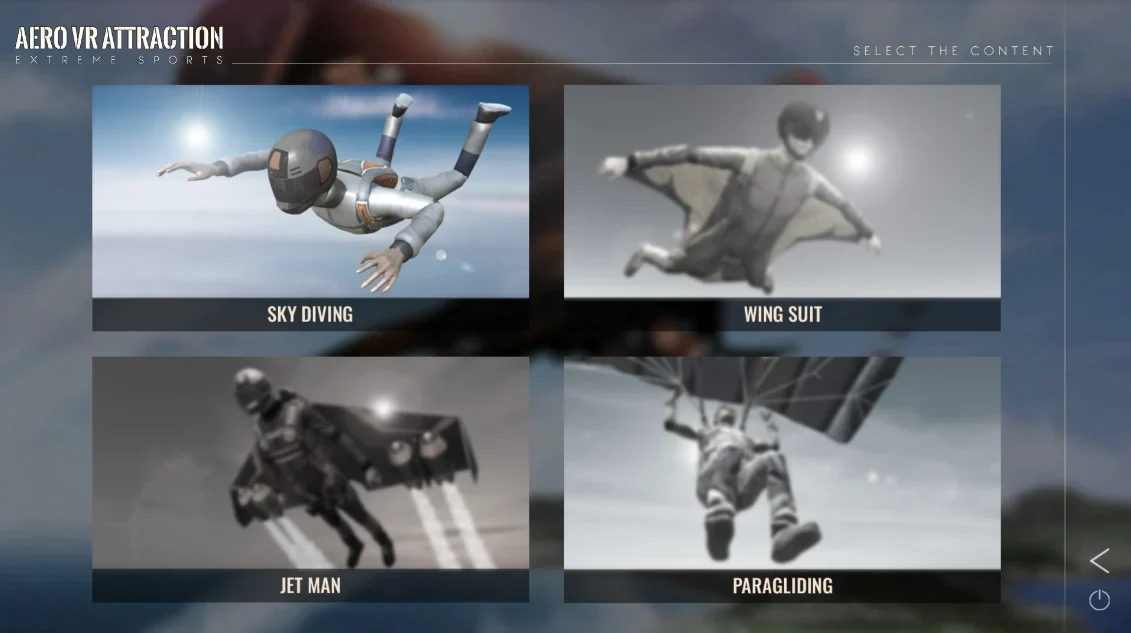
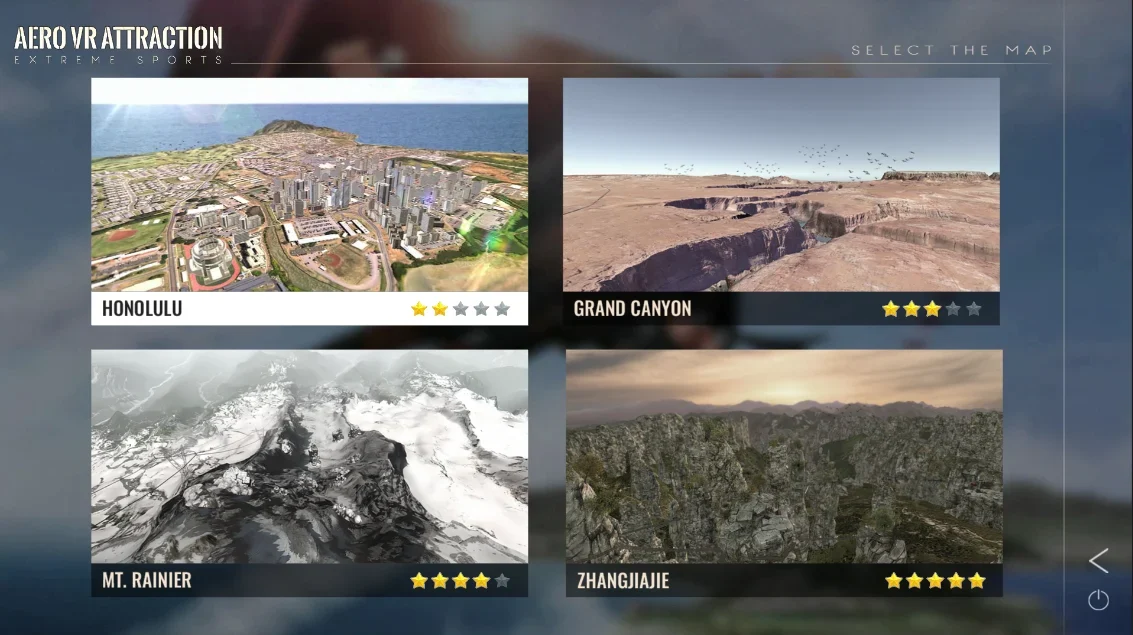
추가 실행 화면
CODE & VALIDATION
코드와 검증 범위
기존 코드 발췌와 2026년 포트폴리오용 재구성 코드를 구분해 제공합니다. 재구성 코드는 실제 제품 소스가 아니며, 일반 원리를 설명하기 위해 새로 작성했습니다.
Unity 6000.0.23f1 컴파일 및 Editor 검증 56개 통과. 실제 장비 연동과 제품 통합은 검증 범위에 포함하지 않습니다.
예제별 사용법과 검증 내용 ↗